
November 22, 2026 · 4 min read
Map It First: The Strategy for Smart AI Workflow Automation
Learn why mapping your business processes is the essential first step to successful AI workflow automation, and how to design a blueprint that works.
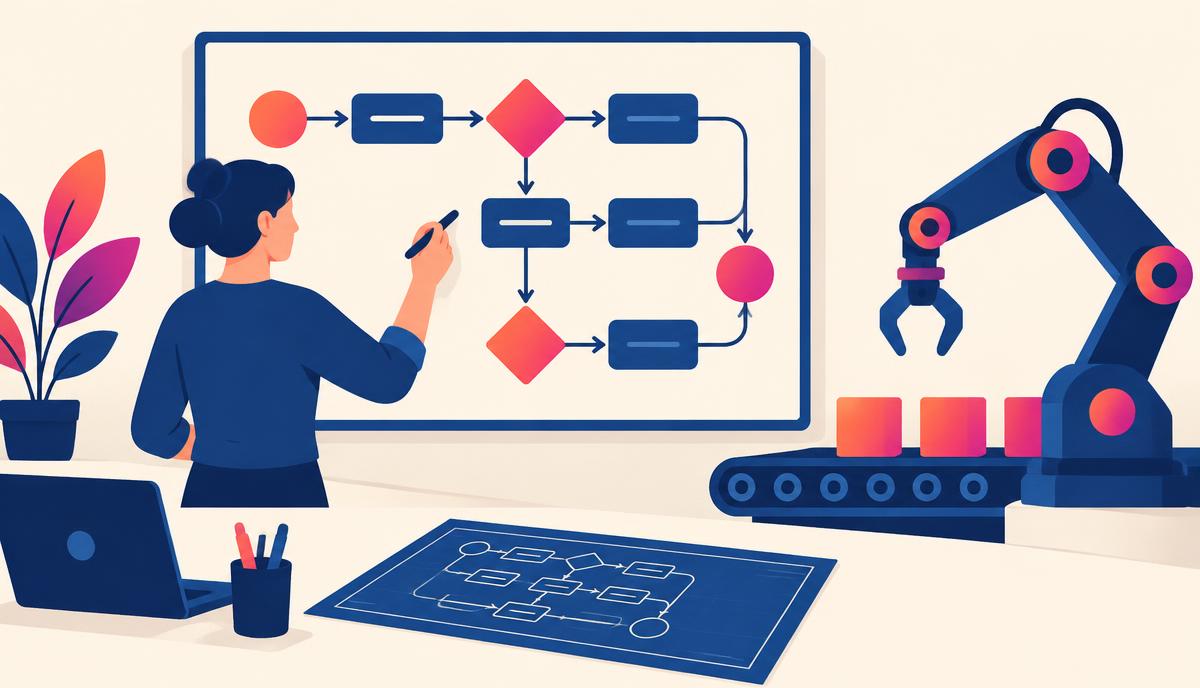
When business leaders decide to modernize their operations, they often start with the tools. They sign up for premium automation platforms, connect API keys, and build complex sequences designed to handle tasks automatically. However, initiating ai workflow automation without first mapping the underlying business process is a recipe for system collapse.
Automating an inefficient process simply makes it fail faster. If your manual process is unstructured, lacks clear rules, or relies on unspoken assumptions, introducing artificial intelligence will only scale the chaos. The key to building resilient, high-performing automated systems is to map the workflow in detail before writing a single line of code or setting up a trigger. By treating automation as the final step of process design rather than the first, you ensure that your systems are logical, reliable, and capable of delivering measurable ROI.
Why Process Mapping is the Foundation of AI Workflow Automation
AI tools are highly capable, but they lack intuition. They cannot guess your business rules, prioritize tasks based on unwritten preferences, or resolve ambiguities in your operational logic. If your team cannot explain a task step-by-step to a human assistant, an automated agent will fail to execute it consistently.
Mapping your process first is critical for three core reasons:
- It identifies cognitive vs. mechanical tasks: AI excels at processing, analyzing, and synthesizing information, but it should not make high-stakes business decisions without guardrails. Mapping helps you decide where AI should act and where humans must remain in control.
- It uncovers hidden bottlenecks: When you write down every step of a process, you often find unnecessary handoffs, redundant approvals, or missing data sources that would break an automated system.
- It standardizes inputs and outputs: AI models require structured data to perform reliably. Process mapping forces you to define exactly what information goes into a step and what format the output must take.
By taking the time to map your workflows, you transform a messy, human-centric habit into a structured, machine-ready algorithm. This transition from intuitive working to structured execution is the true secret behind successful ai workflow automation.
The 4-Step Process Mapping Framework
Before logging into Zapier, Make, or any custom development environment, grab a digital whiteboard or a piece of paper. Use this four-step framework to prepare your operations for automation.
Step 1: Document the "As-Is" Workflow
Write down every action currently taken to complete the task. Do not write down how you wish it worked; write down how it actually happens today.
For example, if you are mapping your customer onboarding process, the manual steps might look like this:
- The sales representative closes a deal and signs the contract in the CRM.
- The rep manually sends a Slack message to the account management team.
- The account manager opens Google Drive, copies an onboarding template, and renames it.
- The account manager manually drafts a welcome email, copies details from the CRM, and sends it to the client.
Keep documenting until you have captured every keystroke, copy-paste action, and message.
Step 2: Separate the Data, the Labor, and the Decisions
Look at each step on your map and categorize it into one of three categories:
- Data/Data Transfer: Moving text or files from one system to another (e.g., copying CRM data into an email template). This is highly suitable for traditional automation.
- Labor/Synthesis: Drafting text, analyzing feedback, summarizing documents, or researching a company. This is where AI shines.
- Decisions: Making qualitative judgments, such as signing off on a strategy, approving a budget, or handling a complex customer complaint. These steps require a human in the loop.
Step 3: Define the Triggers and Edge Cases
An automation cannot start without a clear, objective trigger. It also cannot handle exceptions unless you explicitly plan for them. Ask yourself:
- Exactly what event starts this workflow?
- How do we know when the workflow is complete?
- What happens if a piece of information is missing (e.g., the client did not provide their phone number)?
Step 4: Simplify and Clean the Path
Remove any step that does not add direct value. If your map includes a step where an employee manually forwards an email just to keep another department informed, replace it with a system notification. Simplify the process as much as possible before introducing any digital tools.
A Blueprint for Practical AI Integration
Once your process is clean and structured, you can design the automation blueprint. Let's look at how to map a standard workflow: qualifying inbound leads and generating a customized preparation brief for the sales team.
| Process Step | Trigger / Input | Technology Used | AI Role | Human Action Required |
|---|---|---|---|---|
| 1. Lead Capture | Form submission on website | Typeform / HubSpot | None (Structured data capture) | None |
| 2. Lead Research | New lead contact information | Make.com / Perplexity API | Search the web for company size, recent news, and industry | None |
| 3. Analysis | Raw search data & form responses | OpenAI GPT-4o API | Analyze data against ideal customer profile (ICP) and score the lead | None |
| 4. Brief Generation | Lead score & analysis | Document Template Tool | Generate custom sales brief with tailored talking points | Review and approve the brief in CRM before the call |
| 5. Team Notification | Completed and approved brief | Slack / Email | None | Sales rep uses brief to conduct the discovery call |
This structured approach to ai workflow automation ensures that the AI only operates within a strictly defined sandbox. It performs the tedious research and drafts the brief, but the human sales representative remains the ultimate decision-maker.