
October 3, 2026 · 6 min read
4 Advanced Ways to Integrate ChatGPT for Business Operations
Move beyond basic email drafting. Discover how to use ChatGPT for business data analysis, sales roleplay, scenario planning, and rapid SOP creation.
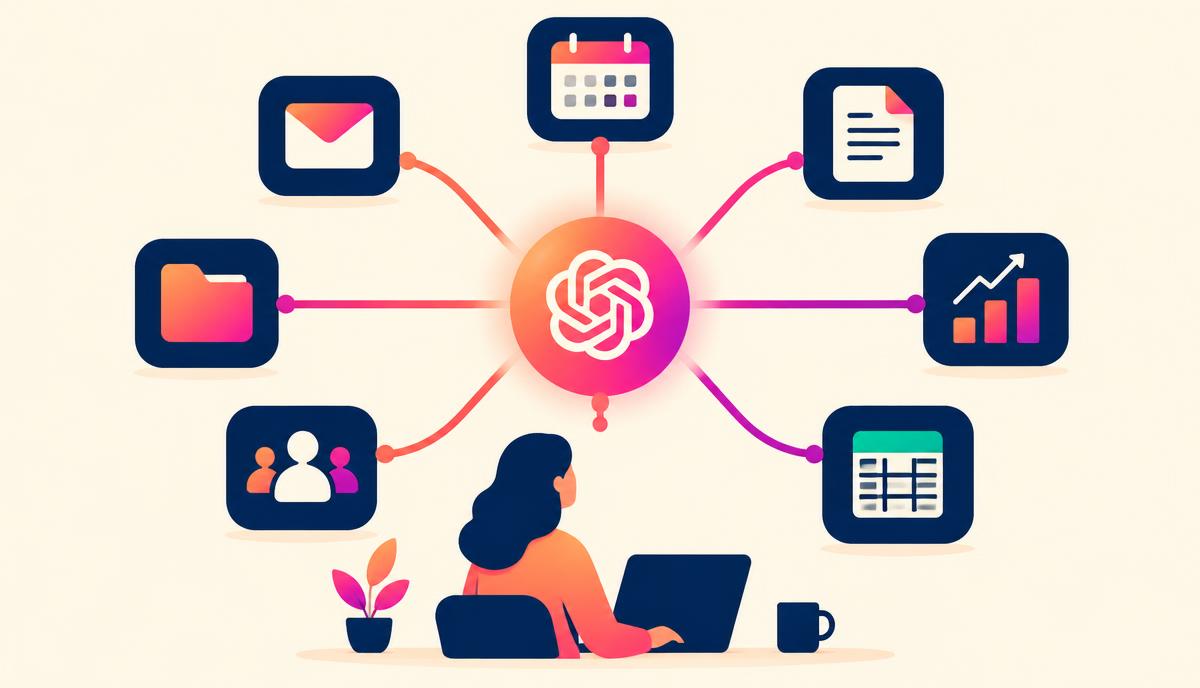
Most entrepreneurs and business leaders use generative AI as a drafting assistant. They ask it to clean up a social media post, fix a typo, or write a routine follow-up message. While these tasks save a few minutes, this basic approach barely scratches the surface of what chatgpt for business can actually do. When integrated into your core workflows, ChatGPT functions as an operational analyst, a strategic advisor, and an on-demand training partner.
To build a highly efficient, lean business, you must transition from treating AI as a simple copywriter to utilizing it as an interactive operational engine. By moving past the inbox, you can use generative models to automate complex tasks, stress-test your strategy, and build internal systems that scale.
Moving Beyond the Inbox: Next-Level ChatGPT for Business
To truly leverage chatgpt for business, you need to shift your perspective. Instead of asking the AI to write something for you, ask it to analyze, organize, or challenge your existing systems. When you feed ChatGPT raw business data or real operational scenarios, it can uncover hidden insights that would otherwise take hours of manual labor to find.
Here are four actionable, advanced workflows you can implement immediately to optimize your business operations.
1. Interactive Customer Feedback and Sentiment Synthesizer
Many businesses collect hundreds of survey responses, Net Promoter Score (NPS) comments, or customer support tickets, yet they let this valuable qualitative data sit unread. Manually sorting through hundreds of rows in a spreadsheet is tedious, and simple keyword searches often miss the nuance of customer sentiment.
By using the file upload feature in ChatGPT, you can conduct deep qualitative research in seconds.
The Workflow:
- Export your customer survey data, support ticket transcripts, or review logs as a CSV file.
- Upload the CSV to ChatGPT.
- Run a structured prompt that instructs the AI to look for patterns, hidden pain points, and product suggestions rather than just summarizing the text.
The Prompt to Use:
"Act as an experienced customer experience (CX) director. I have uploaded a CSV containing raw customer feedback. Analyze these responses to identify: 1) The top 3 recurring emotional pain points, 2) Non-obvious suggestions for product or service improvements, and 3) A categorization of users into distinct behavioral cohorts based on their remarks. Present your findings in a structured, actionable markdown report. Do not use generic summaries; cite specific, anonymized user quotes to support each pattern you identify."
Using this systematic approach allows you to spot feature requests or service bottlenecks before they lead to customer churn.
2. High-Stakes Scenario Planning and Strategic Premortems
Before launching a new service, shifting your pricing model, or entering a new market, it is vital to evaluate what could go wrong. Many leaders fall victim to optimism bias. To counter this, risk managers use a technique called a "premortem"—assuming a project has failed before it launch, and working backward to identify the causes of that failure.
ChatGPT is an exceptional sparring partner for strategic planning because it does not suffer from emotional attachment to your projects. It can act as a critical board member or a skeptical buyer to stress-test your business decisions.
The Prompt to Use:
"I am planning to launch a new high-ticket business coaching program priced at $5,000. The program includes weekly 1-on-1 calls, group masterminds, and a private community. Our target audience is busy agency owners earning $10k-$30k per month. Act as a highly skeptical, risk-averse advisory board member. Conduct a comprehensive project premortem. Tell me 5 specific reasons why this launch might fail, focusing on marketing, delivery capacity, and pricing psychology. For each failure mode, provide a concrete mitigation strategy."
By forcing the AI to take a critical, adversarial stance, you expose operational blind spots before investing time and capital into a flawed strategy.
3. Rapid Standard Operating Procedure (SOP) Development
Documentation is the bottleneck of business growth. As a founder or manager, you know you need to document your processes so you can delegate them, but sitting down to write detailed standard operating procedures (SOPs) often gets pushed to the bottom of your to-do list.
You can bypass the blank page entirely by speaking your processes aloud. Record a quick, unedited screen-share or audio walkthrough of you performing a task (such as setting up a client account or uploading a blog post). Export the transcript of that recording and let ChatGPT do the heavy lifting of organizing it into a professional SOP.
| Input Phase | ChatGPT Processing | Final Operational Asset |
|---|---|---|
| Raw Audio Transcript: Messy speech, pauses, filler words, unstructured steps. | Cleans up speech, structures chronological steps, identifies tools used. | SOP Document: Step-by-step instructions, prerequisites, quality checks, and troubleshooting. |
The Prompt to Use:
"Act as an operations manager. I will paste a messy, unedited verbal transcript of myself explaining a routine business process. Your job is to convert this transcript into a highly structured Standard Operating Procedure (SOP). Use the following format: 1) Objective, 2) Tools Required, 3) Step-by-Step Instructions (chronological and numbered), 4) Quality Control Checks, and 5) Troubleshooting Steps for common errors. Remove all filler words and tangents from the original text."
This simple workflow turns a 2-hour writing chore into a 10-minute task, allowing you to build an operational playbook in real-time.
4. Sales Objection Sparring and Role-Playing
Preparing a sales team or rehearsing a high-ticket consultation pitch can feel awkward when role-playing with colleagues. ChatGPT can simulate a wide range of realistic prospect personas, allowing you or your sales reps to practice overcoming tough objections in a low-stakes environment.
Instead of just asking for a list of objections, instruct the AI to hold an interactive, back-and-forth dialogue. It should only respond to your inputs one turn at a time, forcing you to think on your feet.
The Prompt to Use:
"Act as a prospective B2B buyer. Your business is a 20-person digital marketing agency struggling with employee retention. You are highly budget-conscious and have been burned by consultants in the past. I am going to pitch you my leadership training program. Do not output the whole conversation at once. Start the conversation by saying: 'Thanks for hopping on the call, but before we start, I should let you know our budget is incredibly tight right now.' Wait for my response, and then reply in character, introducing realistic objections based on pricing, timing, and past bad experiences."
By engaging in this interactive practice, your team builds muscle memory for handled objections, making them far more confident when speaking to real prospects.
Best Practices for Managing ChatGPT for Business Data
While integrating chatgpt for business into your workflows offers immense leverage, you must establish clear guidelines to protect your company's intellectual property and client data.
- Disable Data Training: If you are using the free or standard tiers of ChatGPT, navigate to your account settings and turn off "Chat History & Training." This ensures your proprietary data, financial spreadsheets, and custom strategies are not used to train future public iterations of the model. For larger teams, investing in ChatGPT Team or Enterprise provides enterprise-grade data security automatically.
- Anonymize Sensitive Information: Before uploading spreadsheets, customer databases, or email threads, strip out highly sensitive personal identifiable information (PII) such as social security numbers, credit card details, and residential addresses.
- Set Clear Custom Instructions: Save time by using the "Custom Instructions" or custom GPT features. Provide ChatGPT with your company's industry, core audience, brand voice guidelines, and default formatting preferences so you do not have to repeat this context in every new prompt.
Turn AI from a Novelty into Your Primary Business Asset
Using AI intentionally is not about finding a single tool that does everything; it is about building repeatable, structured workflows that free you up to do high-value work. When you stop using ChatGPT as a basic drafting tool and start using it as an operational leverage point, you can scale your operations without exponentially increasing your overhead.
To master these frameworks alongside other growth-minded business leaders, join the free AI Magnet Community. Founded by Michelle Hummel, an award-winning entrepreneur, Fractional CMO, and Certified AI Integration Specialist, our community provides the practical insights, workflows, and support you need to implement AI intentionally and grow your business.